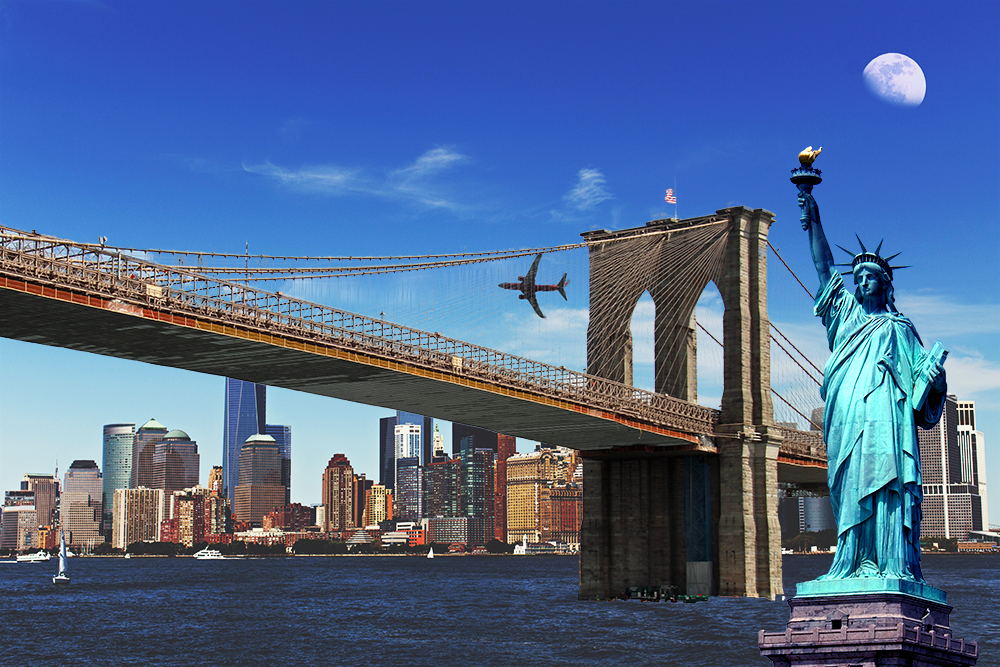
I'm getting pretty good! I successfully selected the Statue of Liberty while masking everything behind. I wonder if I could do the same thing with the Brooklyn Bridge. It looks much harder though. There are tons of little details.
How am I going to select all the main cables and the suspender cables (that's the name of the smaller vertical cables)? I can't select them one by one with the paintbrush tool! I found a video that could help me out with this.