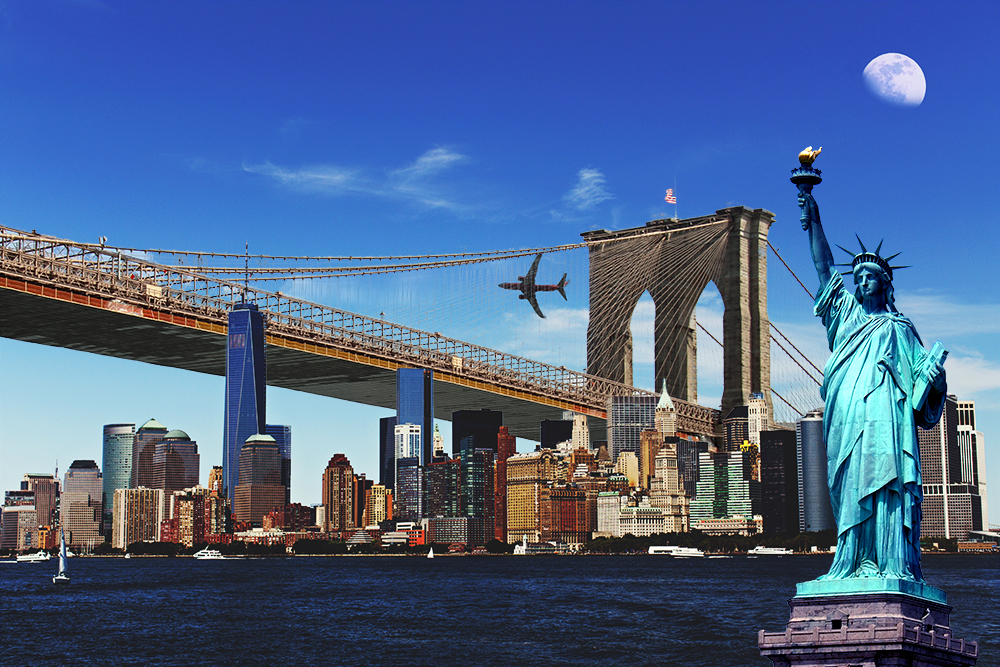
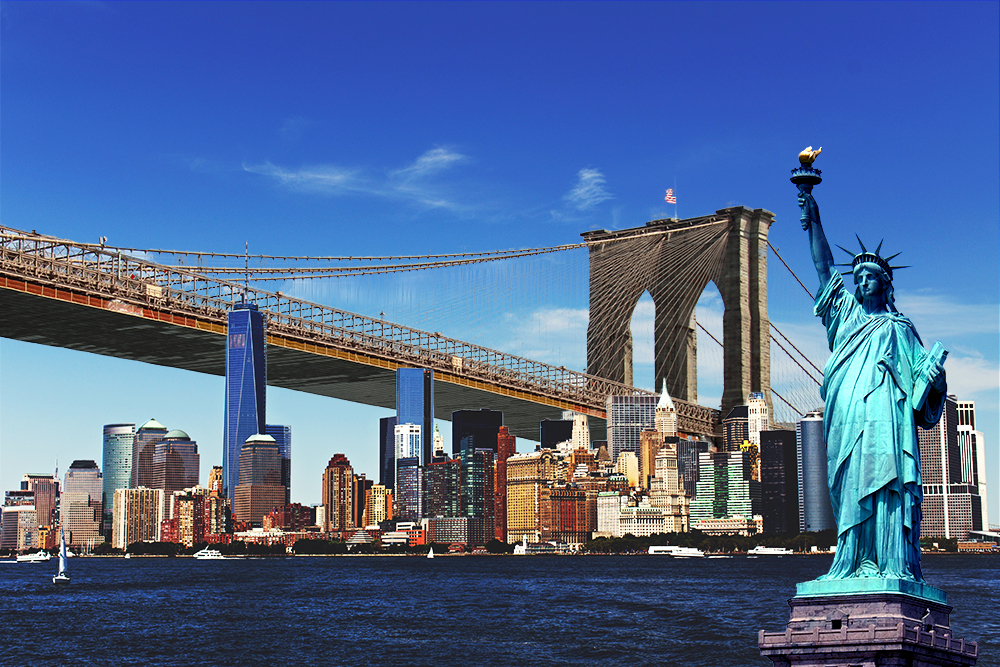
My poster is starting to look very cool! Except... Let's say that the airplane in the New York City skyline... I should remove it.
I saw some things on the social networks, I know that it's possible to erase parts of an image. But how? I found those two videos that should be quite helpful.
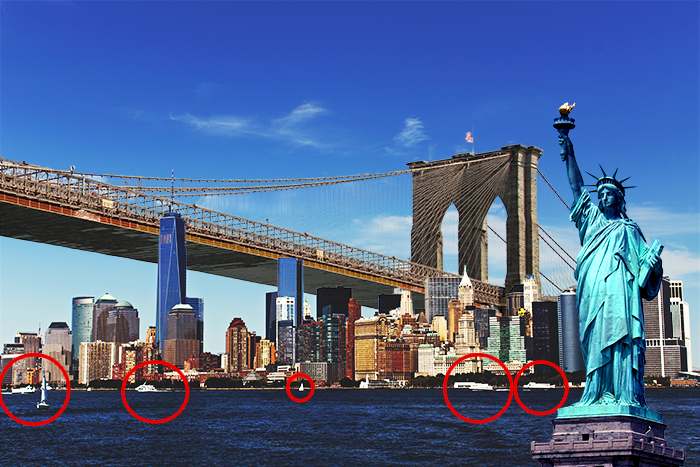
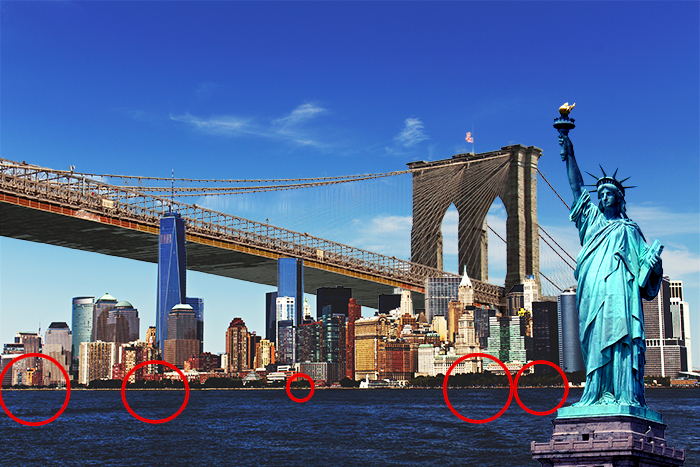
Now, I'd like to also erase the boats on the water, more specifically the elements circled in red on the example below:
BeforeNo more boats
That's a little more complicated. I won't be able to simply use the Spot Healing Brush Tool here. The videos showed me other techniques. How am I going to be able to remove the boats, as in the picture above?
My answer:
Let's check if that looks like what I wrote:
thumb_up
I'll start by erasing the boats one by one, selecting them with the lasso tool, then using the Fill function with the Content-Aware fill option. Next, I'll correct the imperfections on the shoreline using the Clone Stamp Tool.
Let's try this in Photoshop. I'll click on the button below when I'm done.